Turn Your Device into an HDMI Monitor with a Capture Card
 Noir for iPad
 Noir Lite for Android
Noir Pro for Android
Noir Lite for Android
Noir Pro for Android
To use your device as a portable display for a gaming console, laptop, camera, or other HDMI devices, a USB-C capture card is required (USB-C hubs and USB-C to HDMI adapters are not supported).
USB streaming devices such as cameras, endoscopes, and microscopes are also supported.
Noir supports both UVC video and UAC audio streaming with hardware-accelerated low-latency rendering.
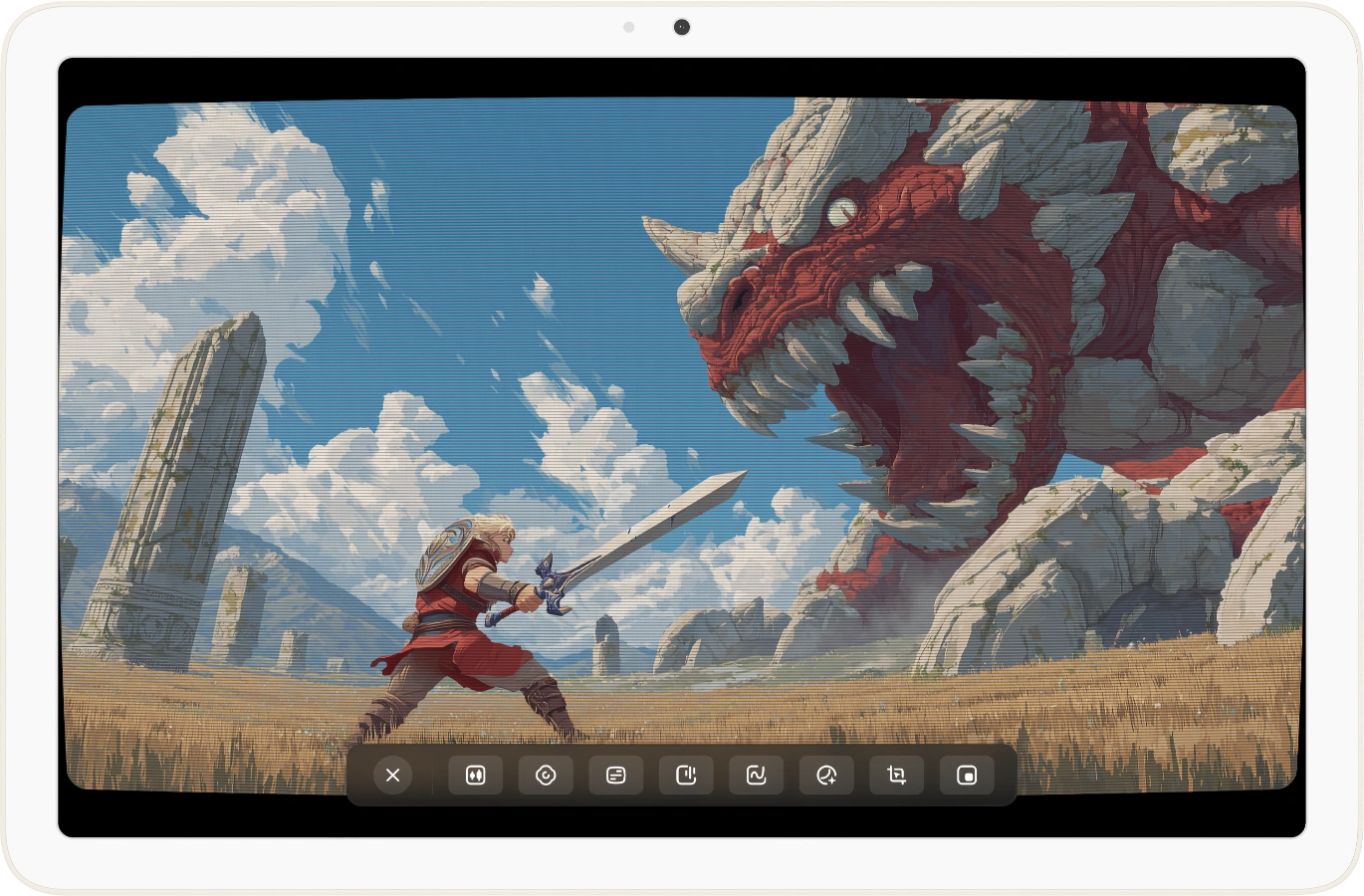 Gaming Display
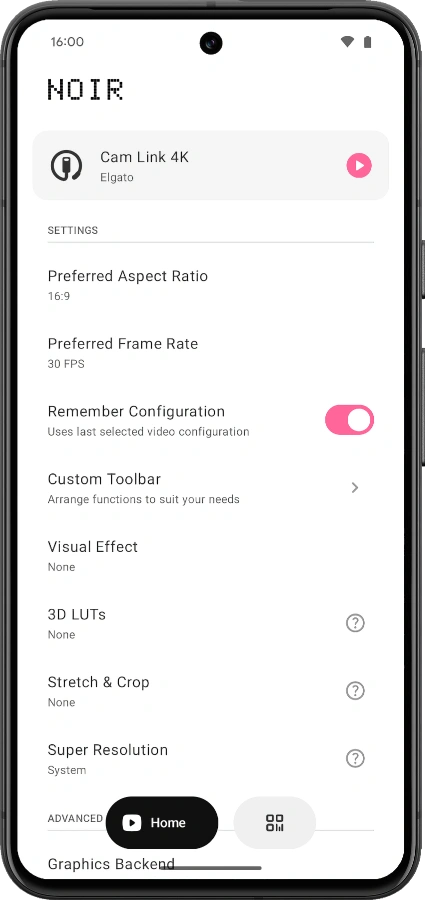 Home Screen
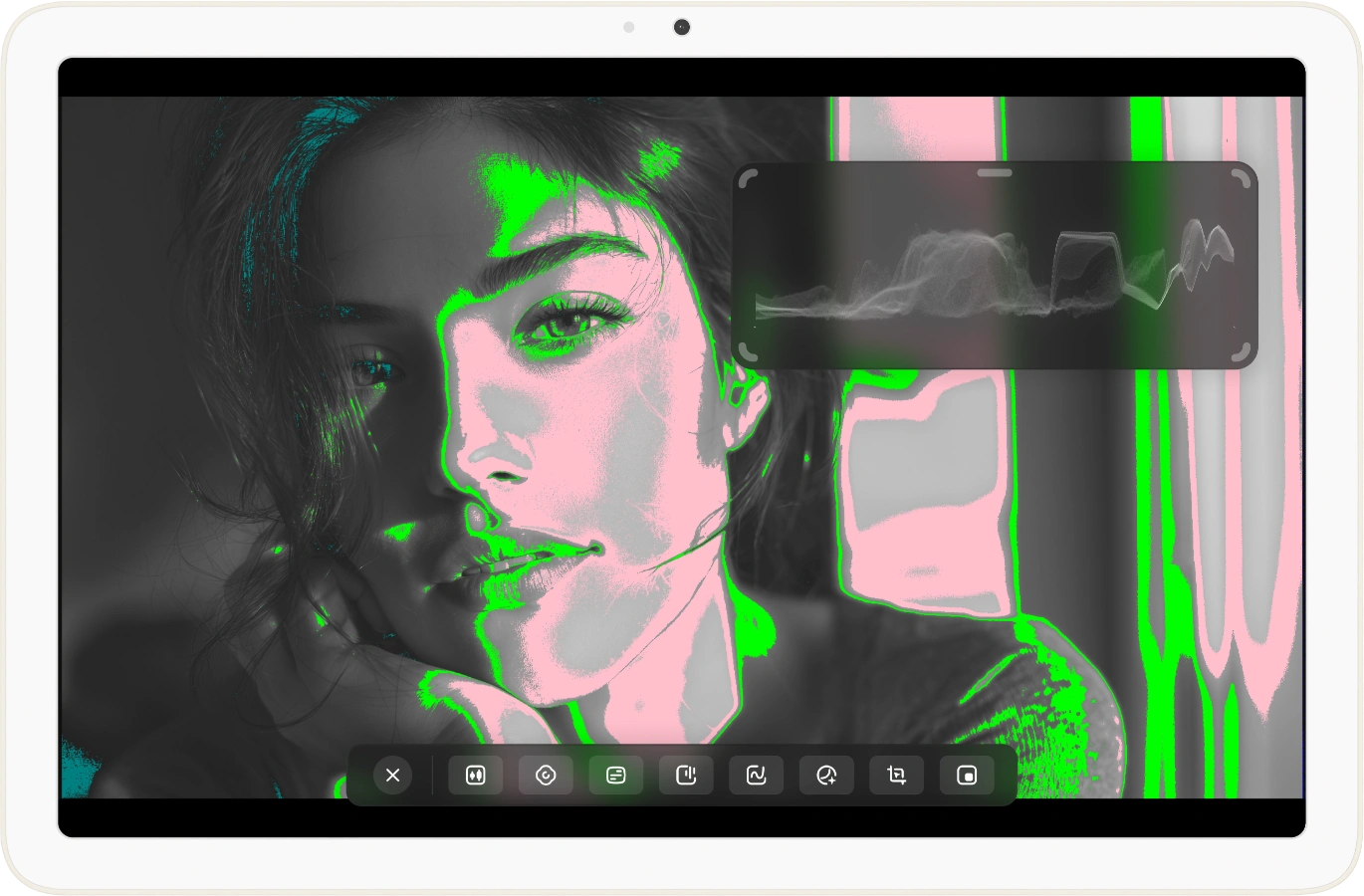 Camera Monitor
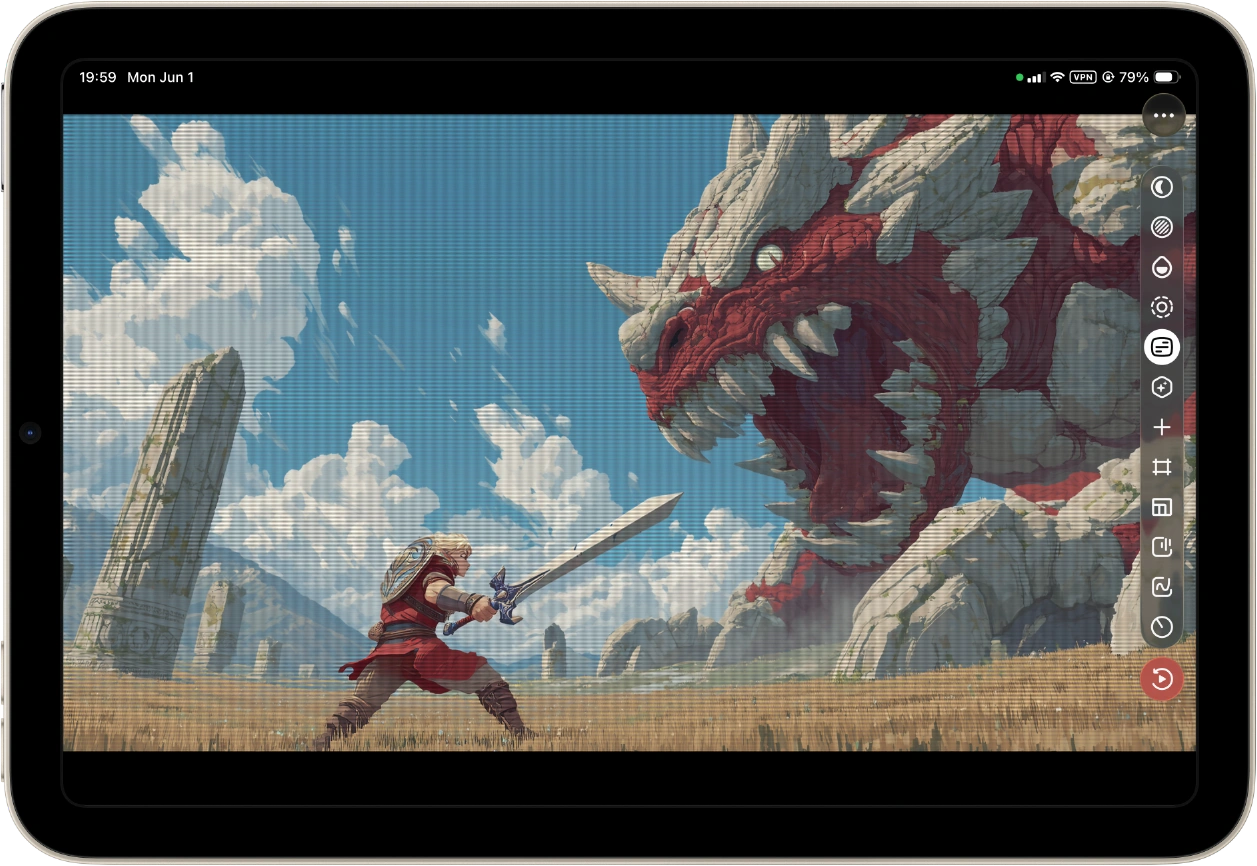 Gaming Display
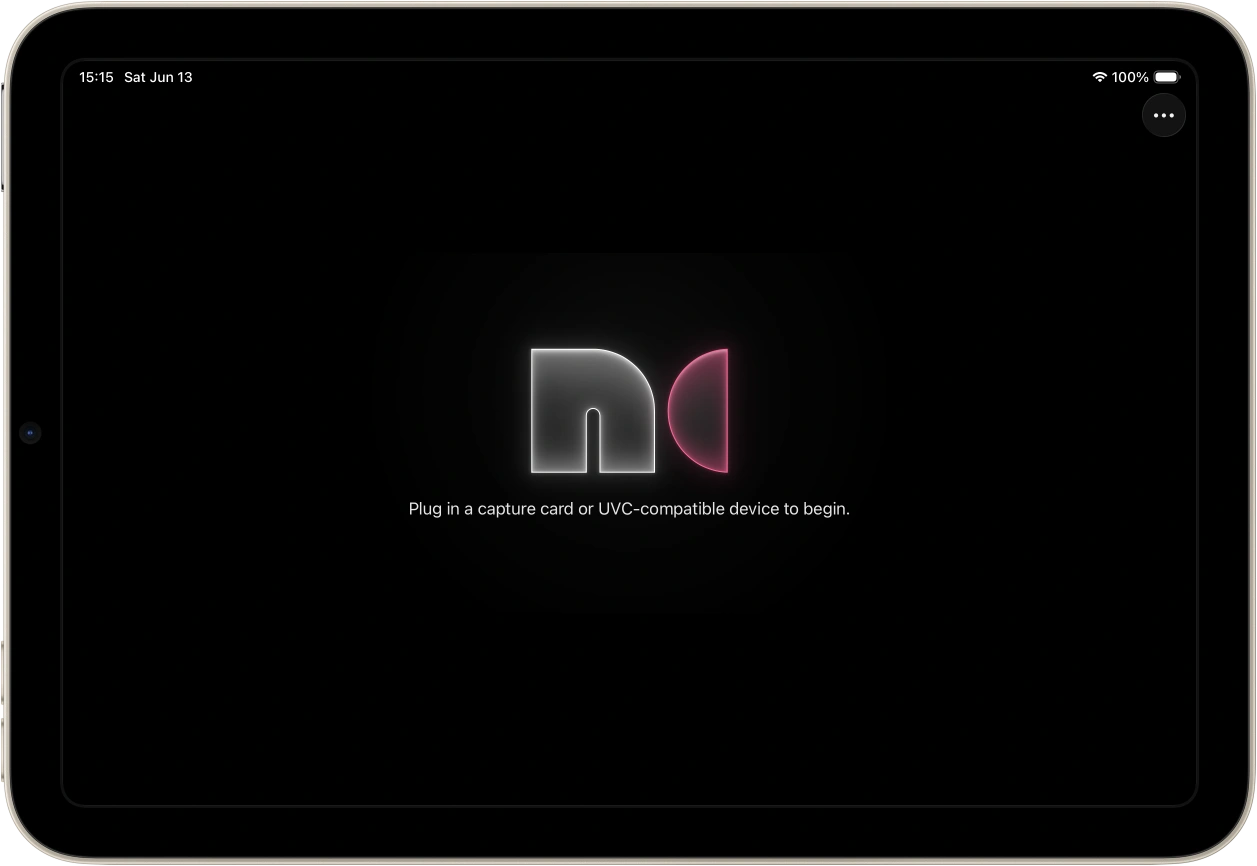 Home Screen
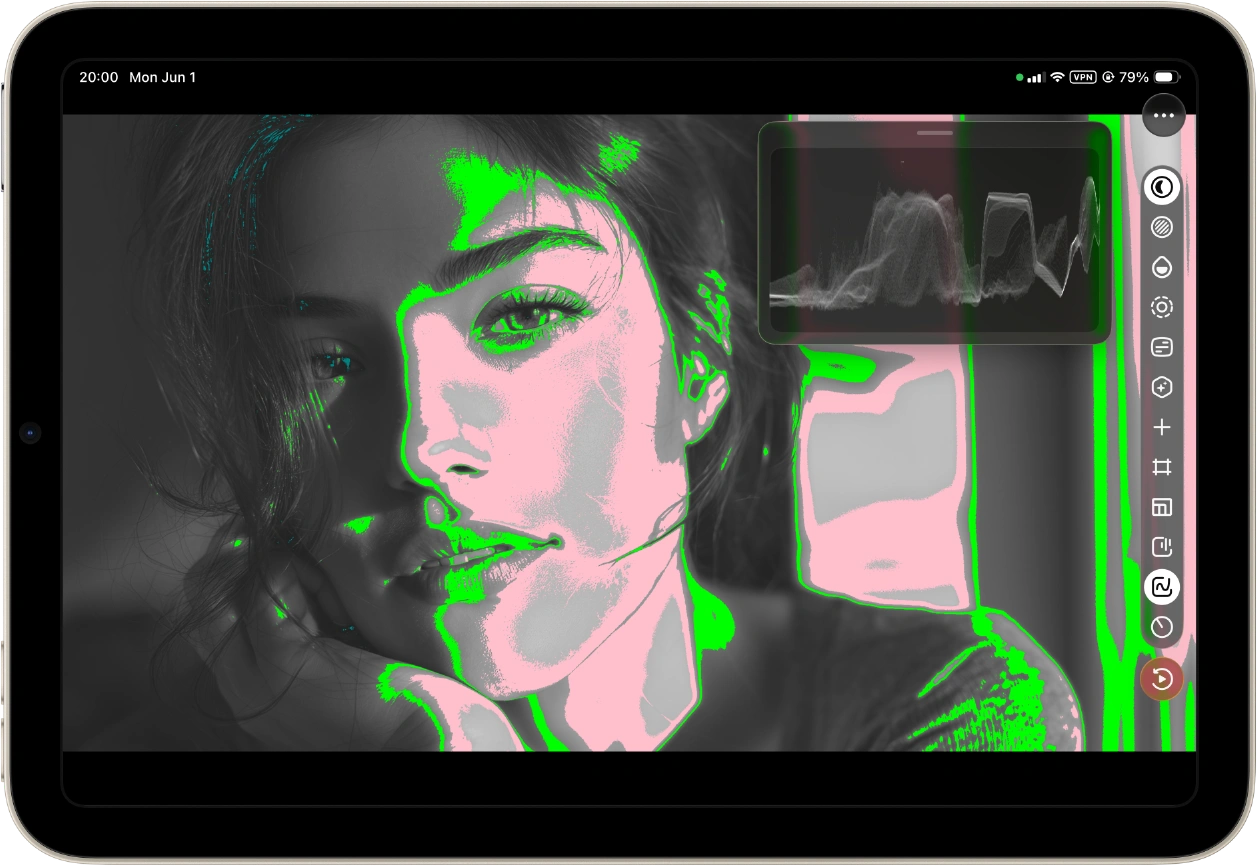 Camera Monitor
Pro Features
Features may differ between Android and iPad. Check the app for the latest details. NDI® is a registered trademark of Vizrt NDI AB.
Camera Boost
Professional monitoring tools including Histogram, Waveform, Focus Peaking, False Color, Zebra, Color Separation, Vectorscope and composition overlays.
Game Boost
Enhanced gaming experience with CRT effects, hardware-accelerated rendering and Super Resolution with FSR.
3D LUTs
Import Cube 3D LUT files for professional color workflows and cinematic looks.
Color Correction
Fine-tune video format, video range, brightness, contrast, saturation and hue, with color space control.
App-specific Volume Control
Independent audio control lets you lower Noir audio below system volume limits.
Advanced Tools
Advanced tools include Picture-in-Picture, Screenshot, NDI tools, Instant Replay, zoom and display controls.
FAQ
Does Noir work on all Android devices?
Some devices with MediaTek, RockChip, or other SOCs may have compatibility issues. Qualcomm-based devices generally have better compatibility.
What can I use Noir for?
You can use Noir to turn an iPad or Android device into a camera monitor, a monitor for a gaming console or PC, a secondary monitor for a laptop, a drone monitor, a USB camera viewer, or a portable display for almost any device with HDMI output or USB streaming.
Why doesn't Noir recognize my device?
Your device may not support USB Host (OTG), or the connected device may not be a UVC capture card. In rare cases, a USB adapter or hub may help.
Why is the preview so laggy?
Usually a USB version mismatch. For USB 3.0 cards, make sure both the cable and your device's port are USB 3.0. For USB 2.0 cards, use MJPEG format and keep resolution at or below 1080p30 (some cards support up to 1080p50).
My capture card stopped working suddenly. Why?
Usually a temporary system issue. Restarting your device is the simplest fix.
Why do I see a black screen from my console?
Most commonly caused by HDCP being enabled on the console. On PS5/PS4, go to Settings > System > HDMI and disable Enable HDCP. Note that PS3 does not support disabling HDCP. Other devices may also enable HDCP automatically when playing protected content. Some HDMI splitters can strip HDCP as a workaround.